
Kivotos Backup
Light backups and one-click restore in one standard .tar.gz, with scheduling and optional Google Drive or cloud storage.
The plugin was designed and written by kos-tech, light and with no ads, for the sites we build and for any WordPress site.
- Type
- WordPress plugin
- Category
- WordPress · Plugin
- Built by
- kos-tech
Free download, .zip file. In WordPress: Plugins → Add New → Upload Plugin. New versions then appear in the WordPress updates, like any other plugin.
What the plugin does
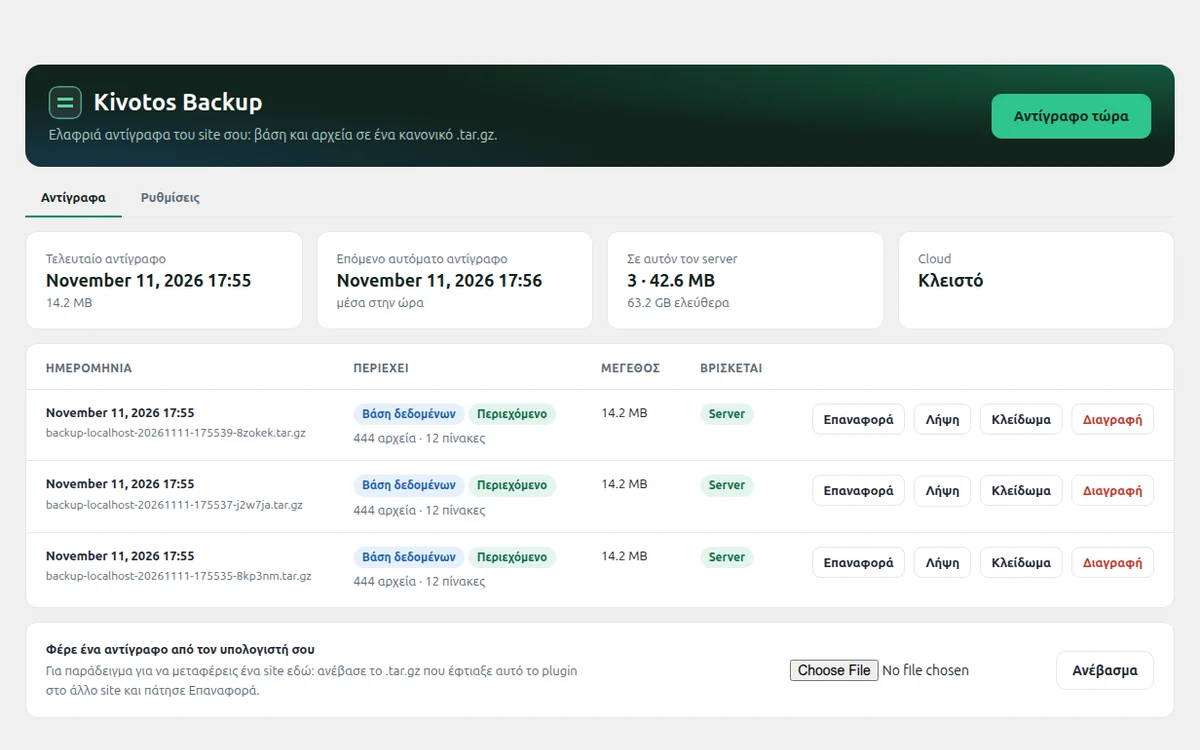
Kivotos Backup does one job: it keeps a copy of your site that you can bring back. Each backup is a set of standard .tar.gz files, one per part (database, plugins, themes, uploads, other files, WordPress core), which open with any archive tool. On restore you choose which parts to bring back. It works in slices of a few seconds, so it does not time out even on cheap shared hosting, and it loads nothing on the pages visitors see.
- Standard .tar.gz files, one per part: database, plugins, themes, uploads, other files, WordPress core. No lock-in
- Choose the parts both when backing up and when restoring: tick, for example, only the database or only the themes, and everything else stays as it is. From the cloud only those files are downloaded
- Fast: photos and videos are not compressed again, and the database is streamed
- Never times out: the work is done in slices and continues by itself
- Safe restore: tables are swapped in one step and wp-config.php is never replaced
- Daily, weekly or monthly schedule, keeps the latest backups and emails you if something fails
- Lock a backup so the automatic clean-up never removes it
- Optional Google Drive (access only to its own files) or S3 cloud storage: Backblaze B2, Cloudflare R2, Wasabi, Amazon S3
- Backups outside the site folder where the server allows it, with no ads and no account
Who it is for
For anyone with a WordPress site who wants backups that work without slowing the site down, even on simple shared hosting.
Frequently asked questions
Can I restore without the plugin?
Yes. Unpack the .tar.gz files, copy the site/ folder over WordPress and import database.sql (it is in the -db file), for example with phpMyAdmin.
Can it move a site to another server?
Yes. Make a backup on the old site, download its files (one per part), upload them on the new one and press Restore. The new site keeps its own address; links inside the content are not rewritten in this version.
Does it slow the site down?
No. The plugin code loads only in the admin area and in scheduled tasks; a visitor costs zero queries.
Can I get something similar for my own business?
Yes. Every kos-tech app is custom-built around the job it serves. Send your idea to info@kos-tech.eu and I will get back to you.
More apps

AI Wheel Visualizer
The customer uploads a photo of their car and sees the shop's wheel on it, with AI.
Learn more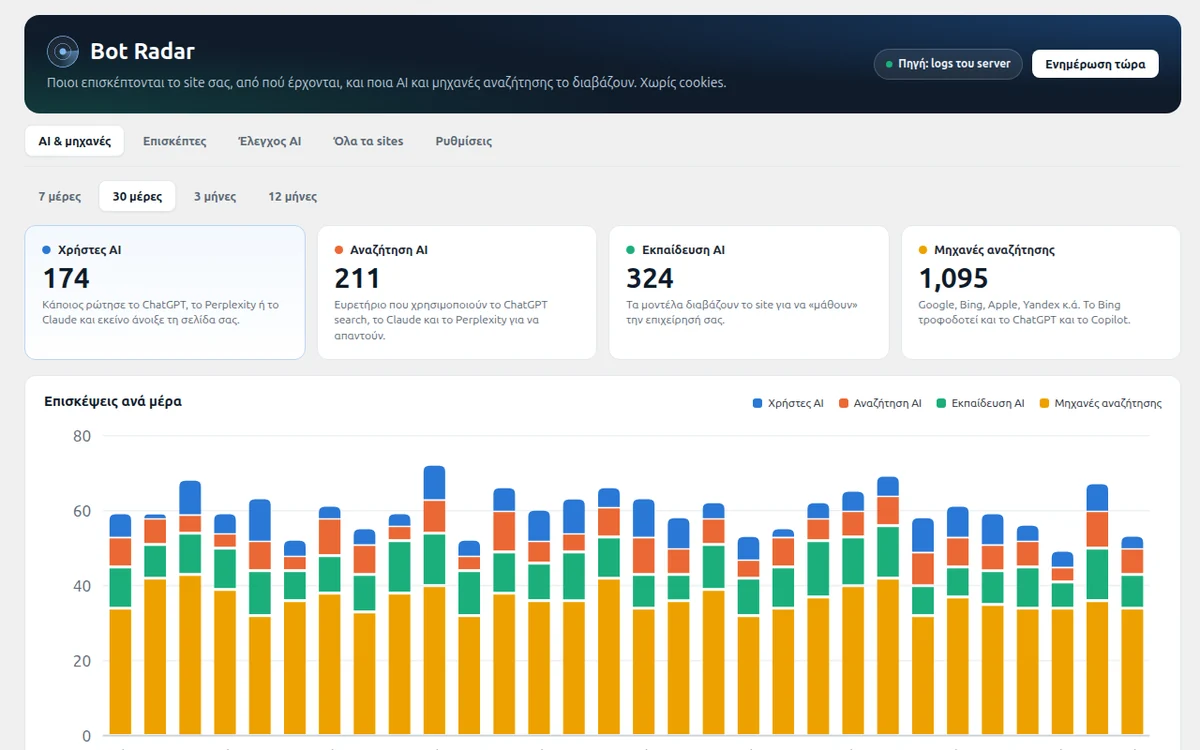
Bot Radar: AI & visitors
Shows whether ChatGPT, Claude and Perplexity recommend your site, which search engines read it and where customers come from. No cookies.
Learn more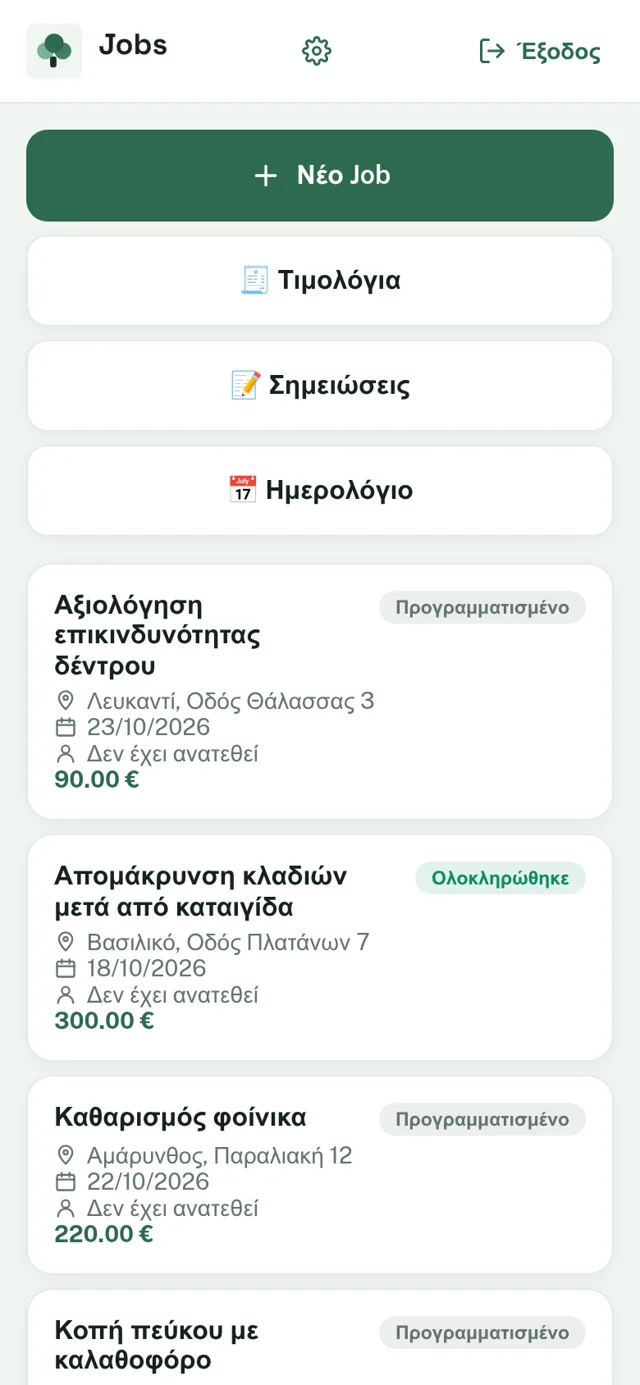
ArborCare
Field app for arborists: job assignments, photos, notes and invoicing.
Learn more